


File To Inbox ‑ File Upload
Featured images gallery


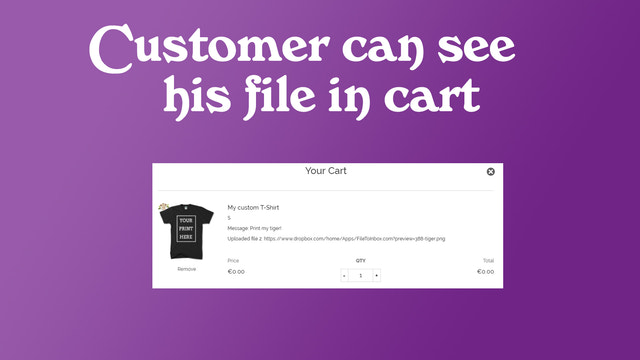
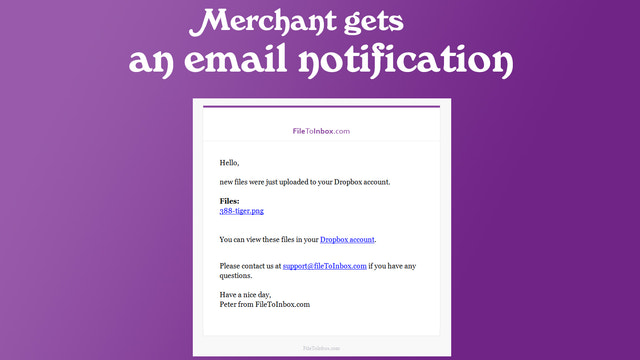
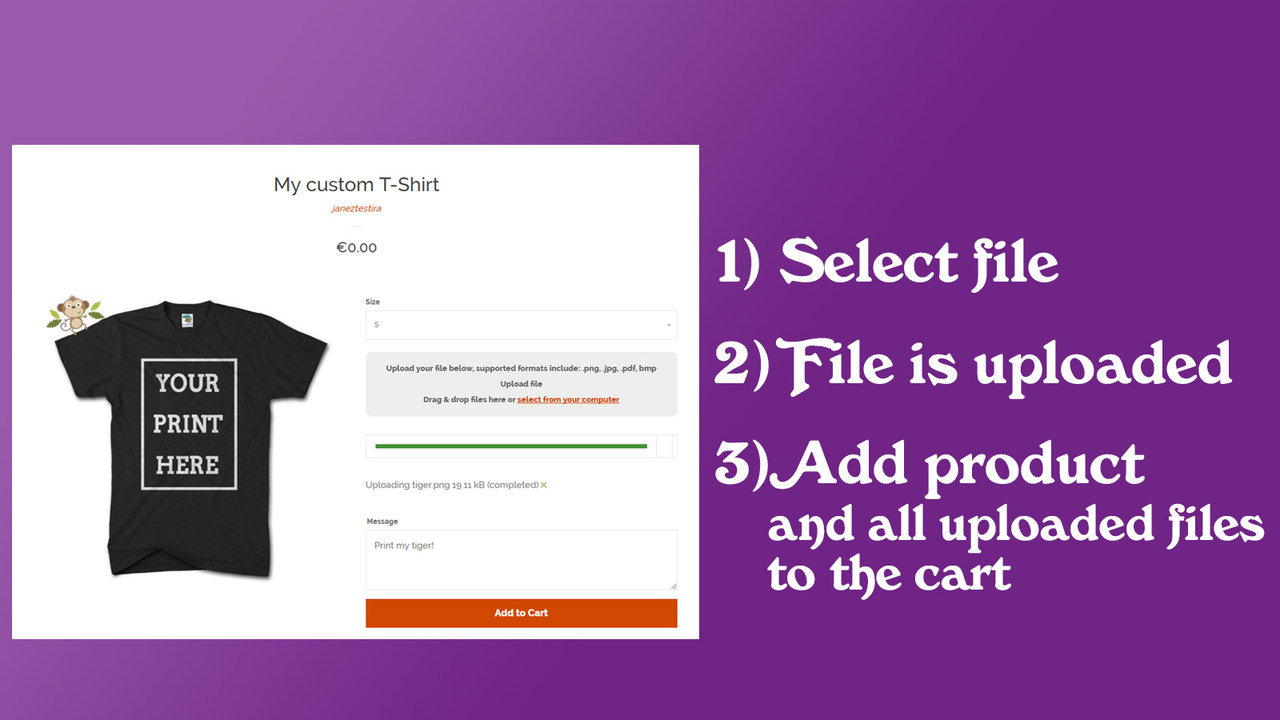
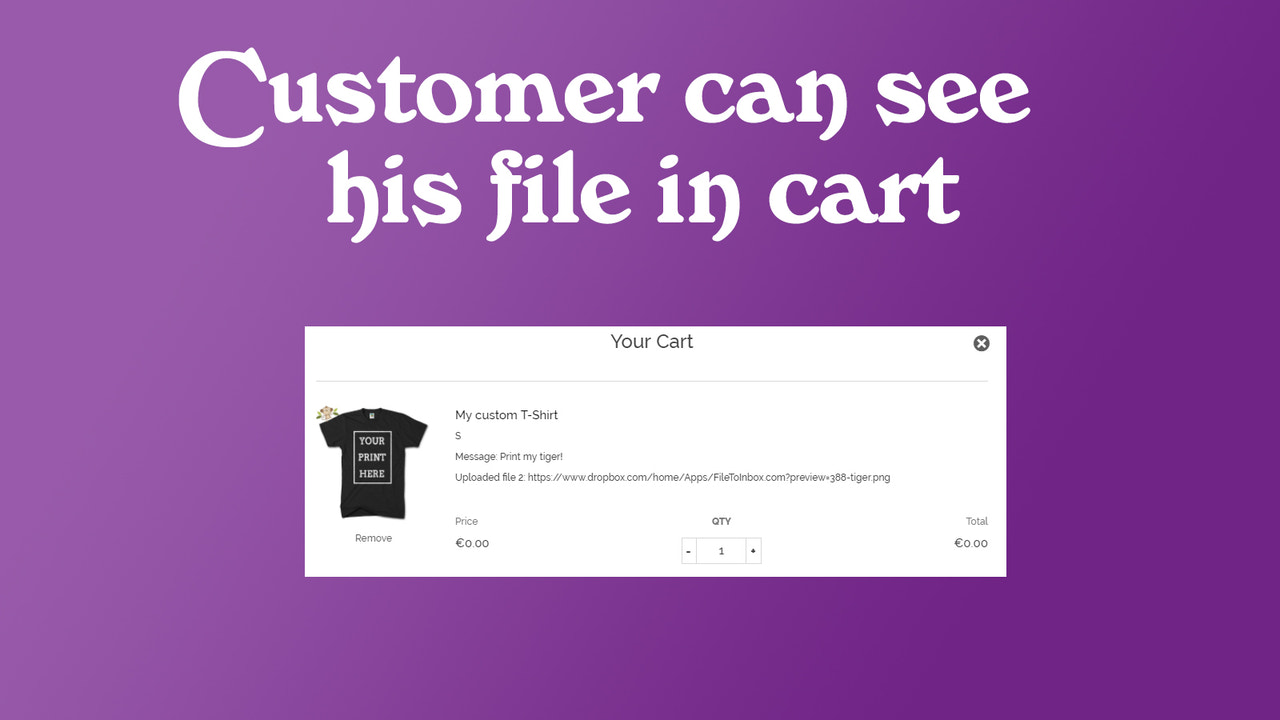
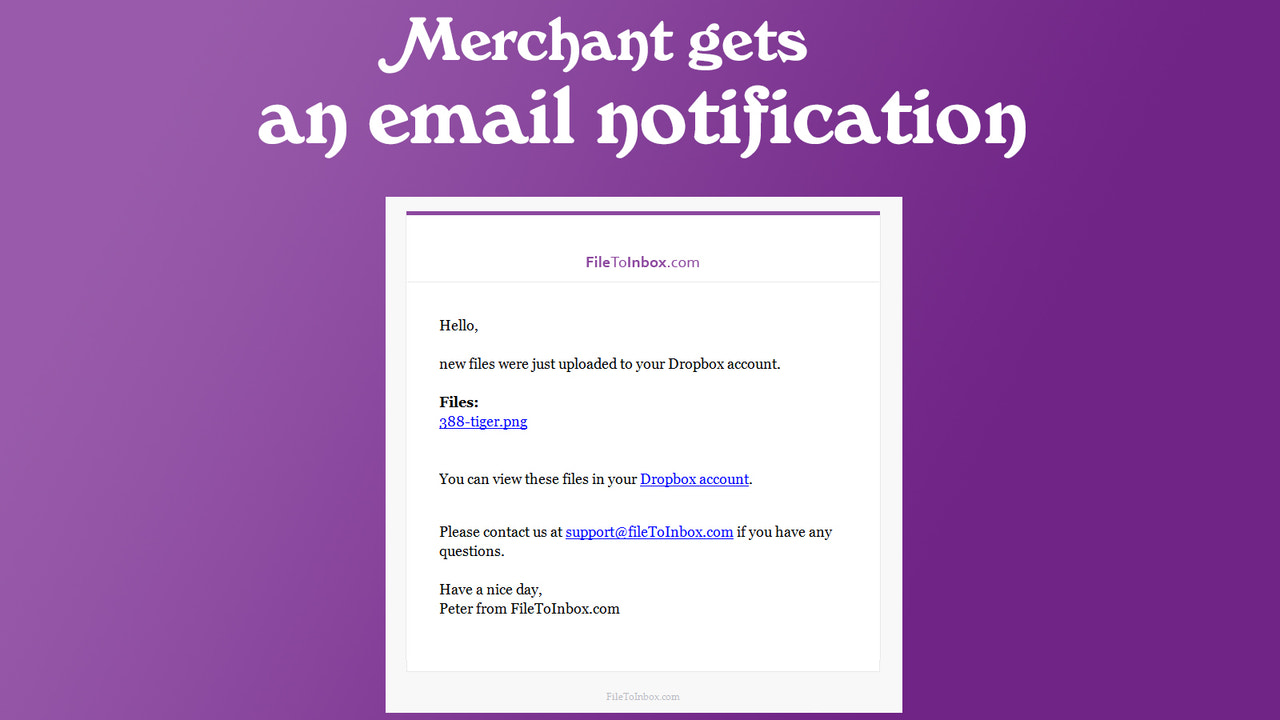



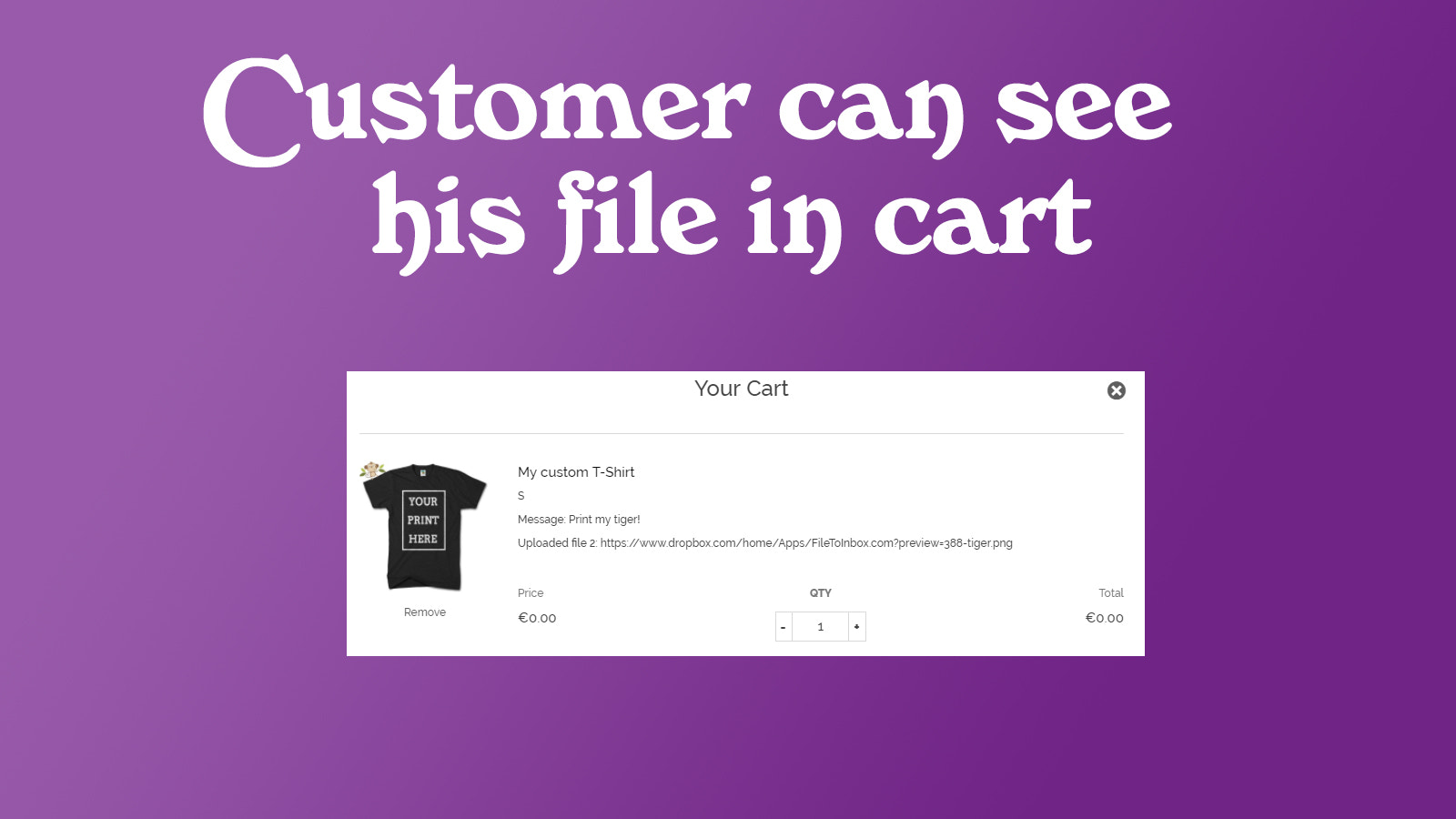


Let customers upload files with their orders. Delivered to Dropbox, Google Drive, OneDrive or Box.
Designed for merchants selling custom products — printed t-shirts, engraved items, personalized signs — this app lets customers attach files and images directly to orders. Uploads are delivered to your own storage: Dropbox, Google Drive, OneDrive, Box, or SFTP — or to our built-in cloud storage with nothing to set up. Images, photos, videos, PDFs, Excel, PSD, ZIP and more. No upload limit per order, files up to 5 GB each, and files in your own storage stay yours even if you uninstall the app.
- Unlimited file and image uploads per order — every file type accepted
- Each uploaded photo, image, or file can be up to 5 GB
- Deliver uploads to your Dropbox, Google Drive, OneDrive, Box, or SFTP server
- Files land in your own storage and stay there even if you uninstall the app
- Customers personalize orders on mobile, tablet, and deskto
Languages
English
Works with
- Shopify Admin
- box
- box.com
- dropbox
- google drive
- one drive
- onedrive
Categories
Pricing
Choose the plan that best fits your business.
Pro
$19 / month
Features
- Image and file upload with orders
- Unlimited uploads per month
- 1 GB per file, all types
7-day free trial
Business
$29 / month
Features
- Image and file upload with orders
- Unlimited uploads per month
- 5 GB per file, all types
7-day free trial
All charges are billed in USD. Recurring and usage-based charges are billed every 30 days.
Reviews (5)
The only app that offers what we need! Appreciate the support
Easy to use, very effective. Very Happy with its performance and easily connects to dropbox for simple interaction
This app is wonderful. I highly recommend it for anyone looking for this type of functionality on your site.
Support
App support provided by Yuhu Apps.
Resources
Launched
June 1, 2017
More apps like this


Meets our highest standards for performance, design, and integration. Learn moreOpens in new window

Meets our highest standards for performance, design, and integration. Learn moreOpens in new window

Meets our highest standards for performance, design, and integration. Learn moreOpens in new window


